
Turn Your Ad Scripts Into Complete Video Ads in Under 10 Minutes…
With Just 3 Clicks
Research the angle, create the assets, build the edit, and keep every campaign organised in one connected workspace.
One script. One finished ad.
Loading video…
The demo couldn’t load. Please try again.
ADGENTIKFLO / GLADIATORA finished ad, open in the Editor.00:30
See the ads.
Every ad here was made end to end in AdgentikFlo, with no manual editing.
Video ad
Example 1
Script or brief → finished ad
No manual edits


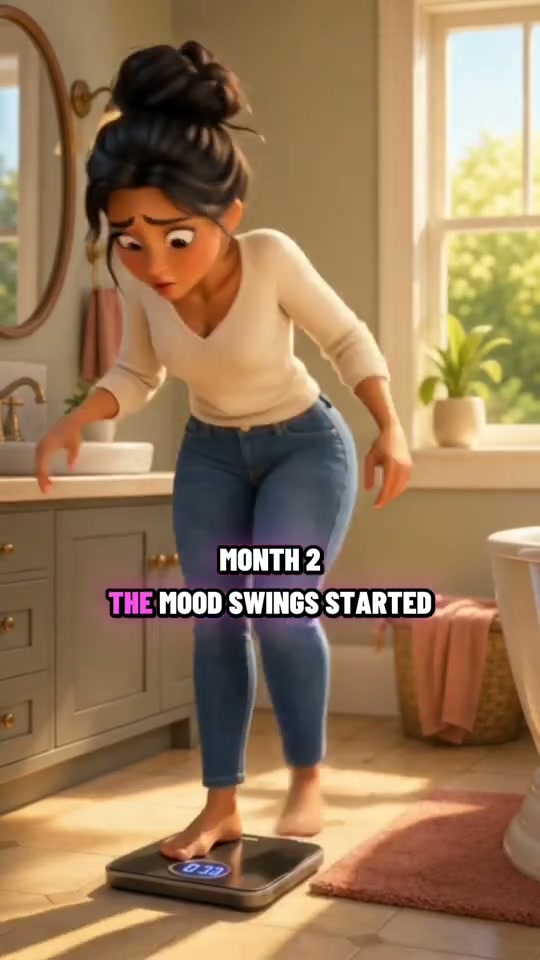
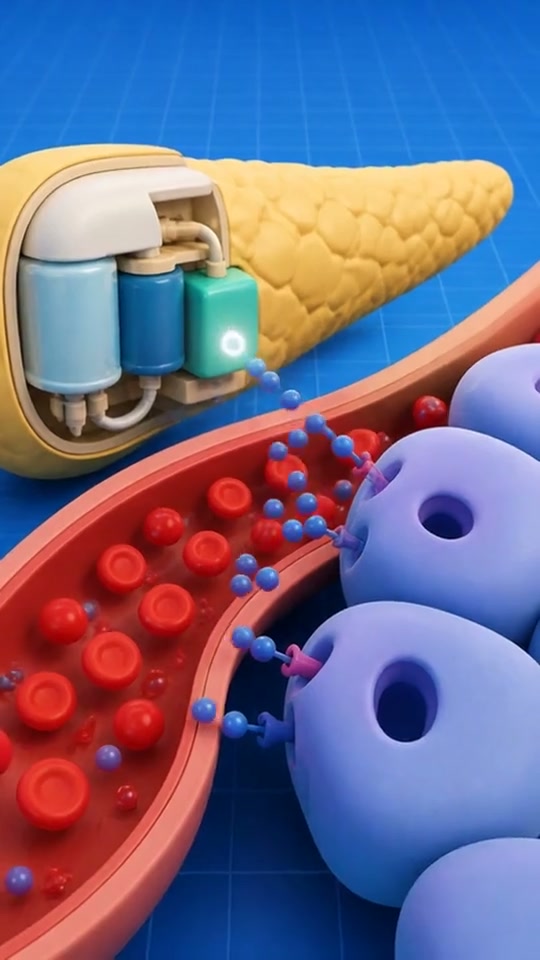

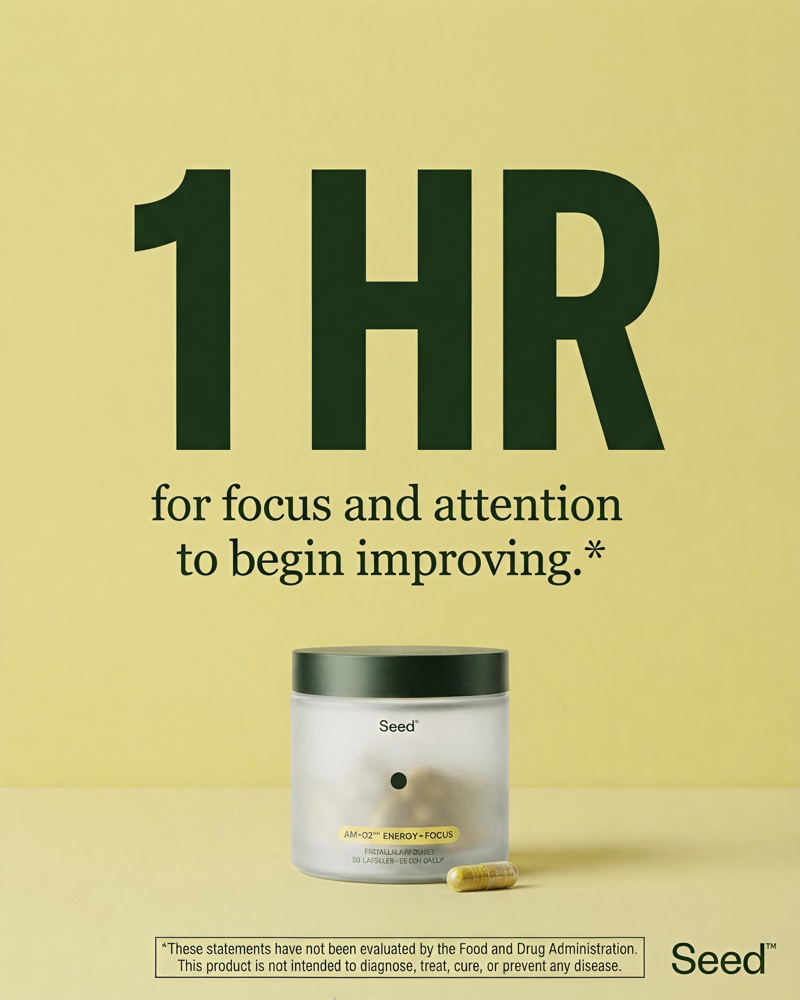
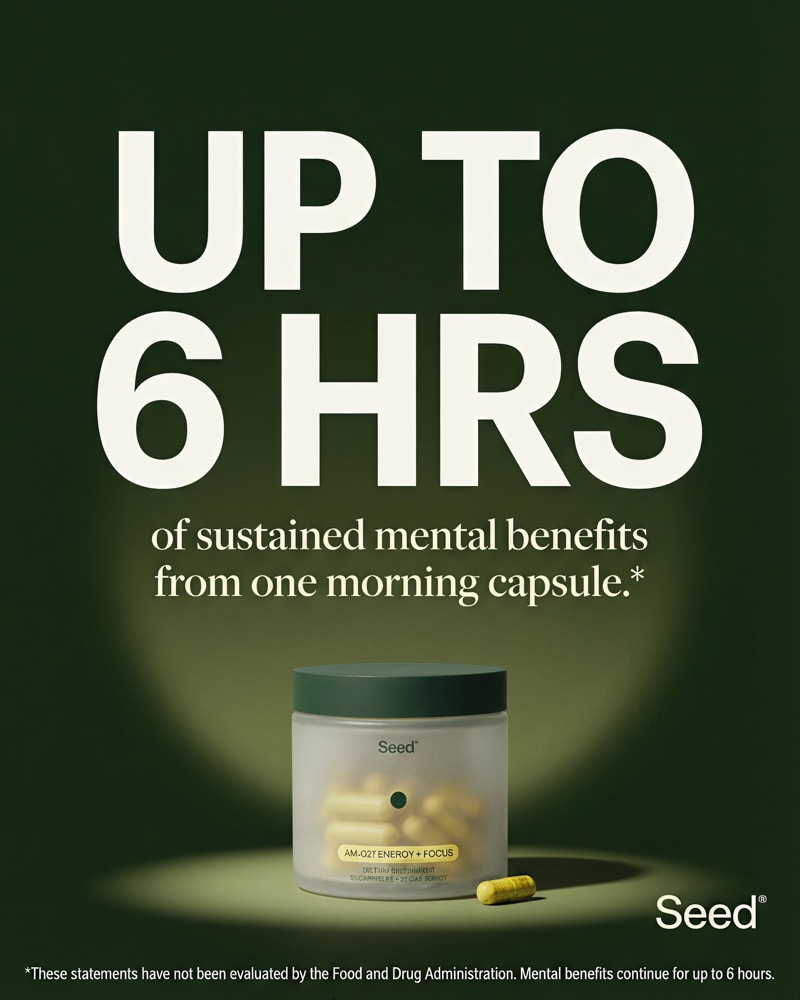
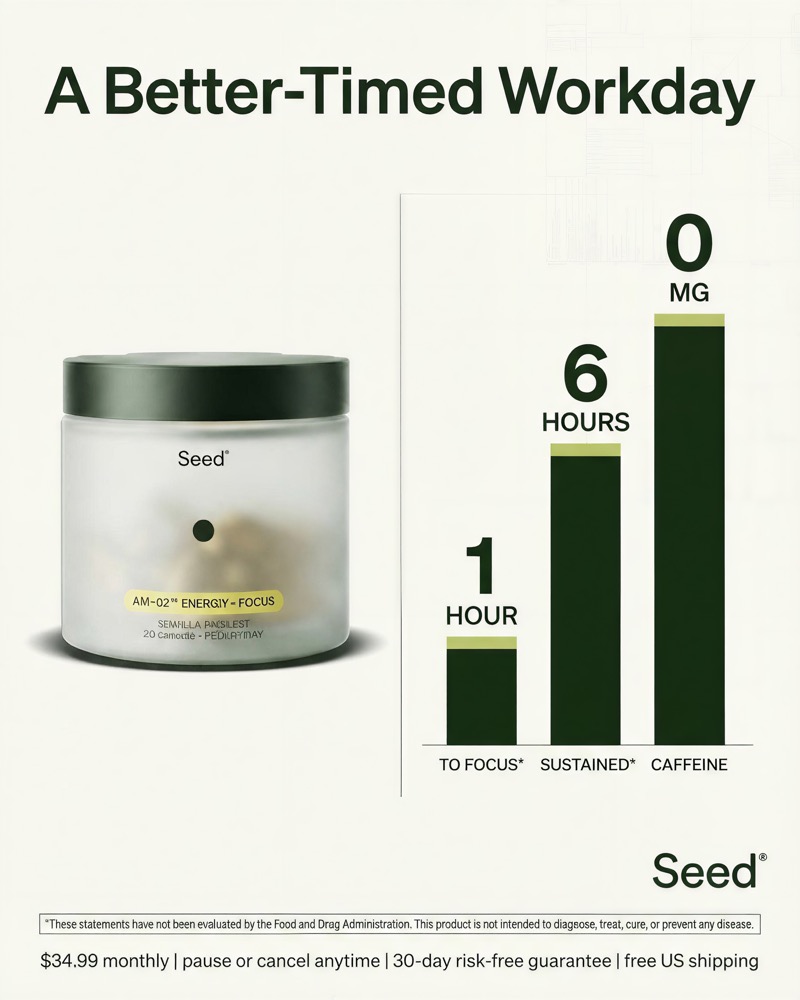
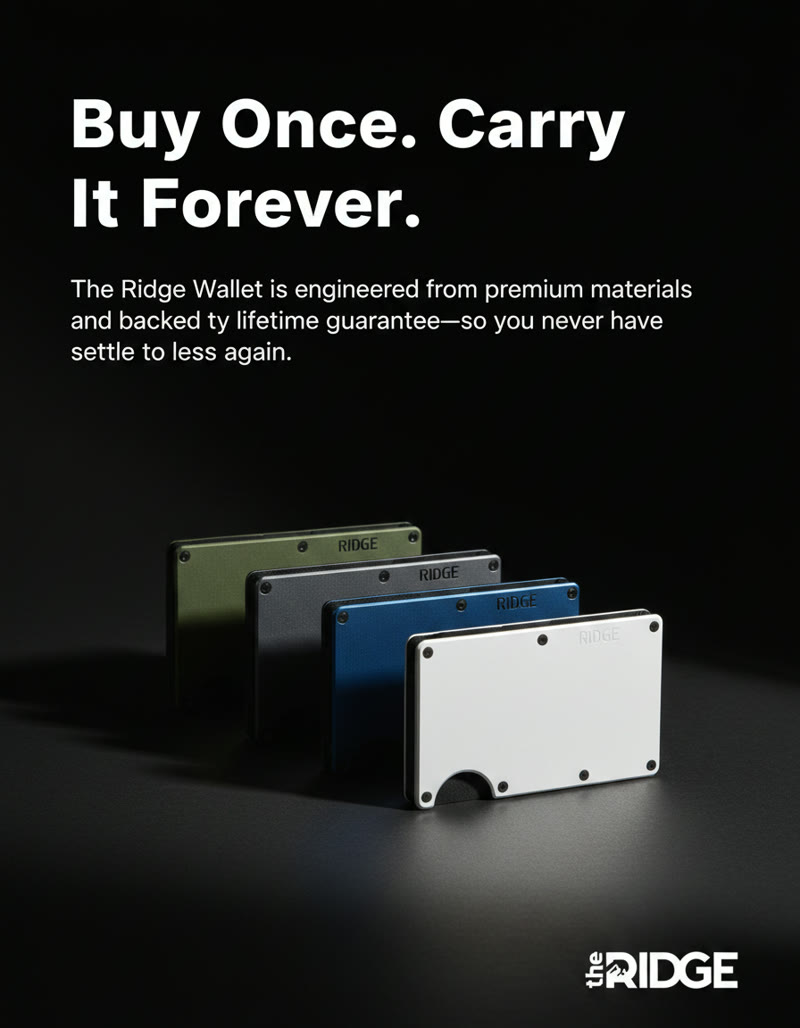
Stop stitching clips together.
Give AdgentikFlo a script. It plans the scenes, creates the footage, and assembles a cut you can review and edit.
- 01Turns your script into a shot plan
Every hook, beat, and CTA is mapped into a paced sequence of scenes.
- 02Creates every scene
Generate the footage and visual style your message calls for.
- 03Delivers the full edit
Voiceover, captions, music, transitions, and timing arrive assembled.
- 04Lets you change any scene
Replace or regenerate a clip without rebuilding the entire ad.
See what your monthly budget can make.
Choose an example output. We’ll translate both plans into a useful production number.
Illustrative setup using Nano Banana 2 and silent Kling O3. Model, style, scene count, and retakes change usage.
Growth
$2,500 / month
1,250 Credits for productionFor teams making and testing ads every week.Illustrative monthly capacityTypically 214 × 1-minute ads
- The complete AdgentikFlo workspace
- Video, image, writing, editing and audio tools
- One shared creative workspace for your team
Scale
$5,000 / month
2,500 Credits for productionFor teams that need more production room.Illustrative monthly capacityTypically 429 × 1-minute ads
- Everything in the Growth plan
- Twice the monthly production budget
- Built for higher-volume creative teams
These figures are illustrative planning examples, not guaranteed averages or fixed output promises. Actual usage changes with the model, length, style, number of scenes, and retakes. Monthly Credits do not roll over.
Make more ads. Manage less production.
Compare one ad workspace with assembling separate assets or briefing a production team.
AdgentikFlo
- Add your script
- Get scenes, voice and captions together
- Review the assembled first cut
- Edit a scene or export
Under 10minutes to a first cut
Up to 10video ads in progress
Building with separate tools
- Generate shots in separate apps
- Choose the sequence and pacing
- Bring voice, captions and music together
- Assemble and review the ad
What you still manageThe assembly and the tool stack.
Separate subscriptions, usage fees and editor time can add up.
Manual workflow
- Brief the people involved
- Arrange creator or production
- Wait for footage and the edit
- Review and request changes
What you still managePeople and handoffs.
Creator fees, editor time and revisions add cost. Every handoff adds time.
The under-ten-minute first cut is a target, not a guarantee; timing varies with ad length, model, queue and revisions. Each workspace has ten active video slots shared across video tools; this does not mean ten ads finish together. Every output needs human review.
Frequently Asked Questions.
Bring any other questions to a call.
AdgentikFlo is a connected AI workspace for performance creative. Flo helps with research and strategy; Playground, Script → Ads, and Static Ads create the work; Editor, Audio Lab, and Folders help you finish and organise it.
Brands, agencies, creative strategists, and performance teams whose testing volume is limited by production capacity. It is most useful when you already know that more quality creative, shipped faster, would improve the business.
Yes. Script → Ads can plan scenes, create footage, add narration and captions, and assemble an editable result. You can then replace a weak scene or continue refining the full cut in Editor.
Yes. You can adjust the timeline, captions, audio, and format, or regenerate the specific creative that needs another pass without restarting everything.
Credits are the monthly production budget you use across AdgentikFlo. As illustrative planning examples, a one-minute ad is typically $12, a two-minute ad is typically $23, a generated image is typically $0.16, and a five-second video clip is typically $0.84. These are not guaranteed averages; usage changes with the model, style, length, scene count, and retakes.
Completed work stays saved. Failed work is checked before any retry so the same job is not charged twice.
Access is currently managed through a call so we can confirm the workspace, team, and production plan fit what you need. The public page does not take payment.
Yes. Review claims, product details, pricing, rights, and platform compliance before publishing. AdgentikFlo speeds up creative production; it does not replace your responsibility for what goes live.
Watch the full workspace walkthroughs3 videos
01
AI Animations
Follow a script through scene planning and the finished edit.
02
Playground
Explore visual generation in the creative workspace.
03
Static Ads
See how finished static creative is made and reviewed.
Bring your next script to a demo.
Bring a script or offer. We’ll show a finished example, how you can edit it, and which Credit budget fits your team.
Book a Call